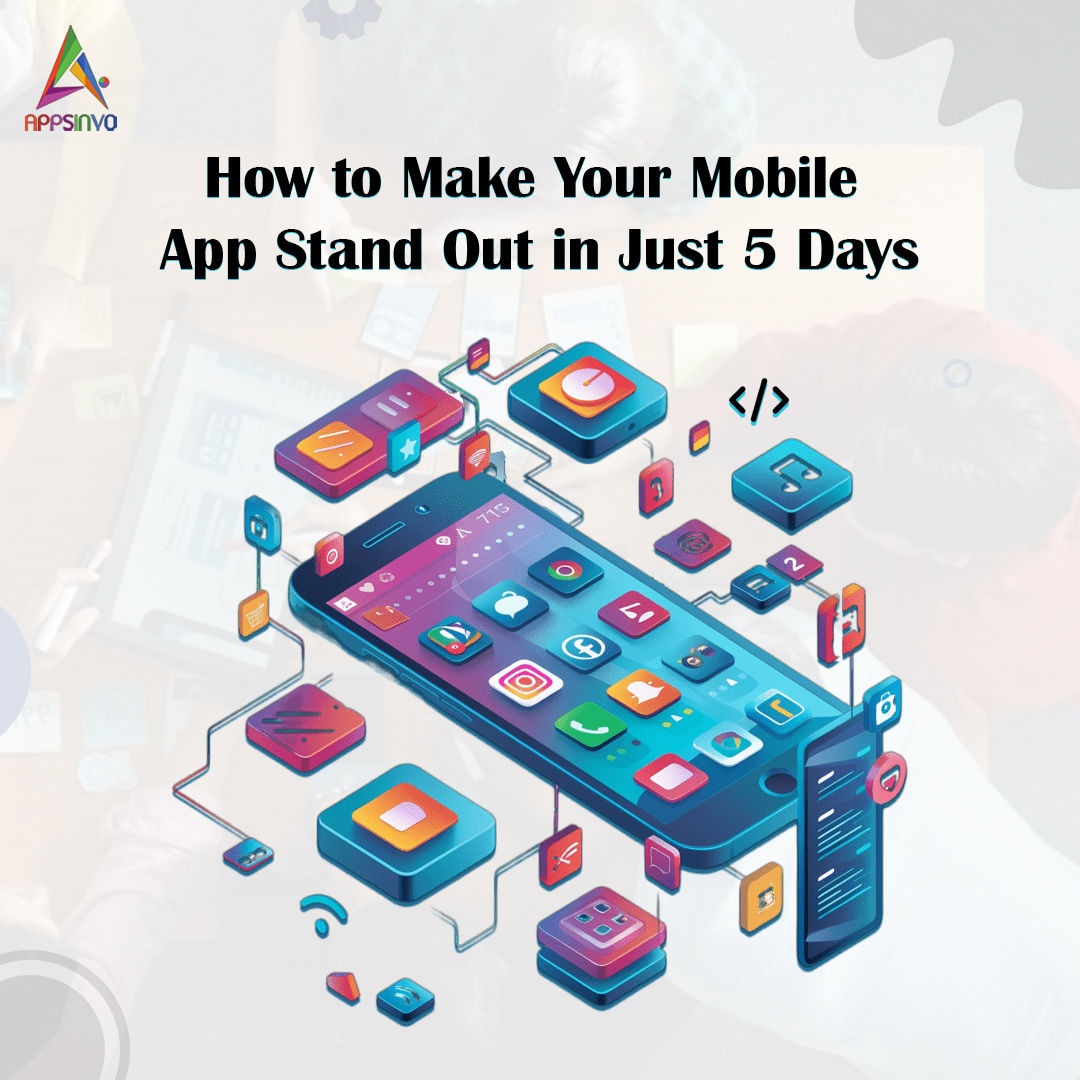
How to Make Your Mobile App Stand Out in Just 5 Days

0
6
How-to-Make-Your-Mobile-App-Stand-Out-in-Just-5-Days-banner
Launching a mobile app might seem like yelling in a noisy room. With so many applications fighting for our attention, standing out demands speed, clarity, and clever execution. What about the good news? You don’t require weeks of labour to boost exposure and user attractiveness. This article will teach you practical, high-impact strategies to improve your mobile app’s appearance, make it feel more important, and drive more engagement—beginning today—with a realistic 5-day schedule.

Day 1: Fix the First Impression (Your App’s “Cover Page”)
Most people decide whether to continue searching in a matter of seconds. Begin by refining the components they notice initially.
Update your app store listing.
  • App Name and Subtitle: Make them descriptive and searchable.
  • Application icon: Ensure that it is clean, high-contrast, and legible at tiny sizes.
  • Screenshot Strategy: Use three to five screenshots that emphasise the greatest results. Avoid generic imagery.
  • Short description:  Speak to the user’s pain point and the value you provide.
  • App preview video (if applicable): Even an essential 10- to 20-second demo will drastically boost conversions.
Improve onboarding instantly.
If people enter your app and struggle, you will lose them quickly. Make onboarding
  • Short (target for less than 30 seconds).
  • Clear (what the user can do next).
  • Guided (with tooltips or a simple “start here” flow)
Goal by the conclusion of Day 1: Your app store and first-time user experience should express “this app solves my problem” immediately.

Day 2: Make Your Core Feature Feel “Instantly Awesome”
Standout applications aren’t usually the most feature-rich; rather, they’re the most gratifying right away. Choose your app’s most important feature and make it seem seamless.

Reduce load time and navigation friction

  • Optimize API calls and caching
  • Remove unnecessary steps
  • Ensure key actions are reachable in 1–2 taps

Add micro-interactions

Micro-interactions create the “premium” feeling:

  • Smooth button animations
  • Loading states that communicate progress
  • Helpful confirmations (“Saved!”, “Delivery scheduled!”)

Improve the empty states.

Empty displays cause people to lose motivation. Replace “No data” with a useful message, such as:
“You’re one step away—tap ‘Create’ to get started.”
Users can test a sample preview or a template instantly.
Goal at the end of Day 2: Users should feel valued from the first session, ideally within the first minute.

Day 3: Create Shareable Value (Encourage Users to Tell Others).

To stand out, you must distribute. On Day 3, prioritise content and sharing.

Add a simple referral or share prompt

Make it easy for users to invite others:

  • “Invite a friend and unlock bonus features”
  • “Share your achievement/timeline”
  • “Send this to someone who needs it”

Maintain a non-intrusive approach by triggering the prompt when a user accomplishes a result.

Publish fast promotional content.

If you have a social media presence, share material that demonstrates the app’s worth.

  • Short demo clips.
  • Before and after results.
  • Testimonials and screenshots
  • “How it works in 30 seconds” reels.

Use consistent branding and a clear call to action (CTA): download now, trial free, or schedule a demo.

Add in-app content to increase engagement.

Examples:

  • A. “Today’s tip”
  • A progress tracker
  • Personalised suggestions

Goal at the end of Day 3: Users should build organic momentum, either by sharing within the app or engaging outside of it.


Day 4: Run a Mini Optimization Sprint (Data-Driven Tweaks)

Even with limited time, you can improve conversions by making targeted changes using available analytics.

Check the important performance metrics.
Focus on:
  • App store conversion rate (views to installations)
  • Drop-off places for onboarding
  • Session duration and screen navigation
  • Feature utilisation (Is your main feature being used?)
Improve your onboarding based on actual behaviour.
If people drop on a certain screen:
  • Simplify the step.
  • Clarify the benefits.
  • Add default or pre-filled choices.
Fix problems that interfere with trust.
  • Instability, more than any other factor, “kills” differentiation. Address:
  • Crashes
  • Slow displays.
  • Issues include incorrect data presentations and UI problems on common devices.
Goal at the end of Day 4: Your app should seem more stable and conversion-friendly.

Day 5: Launch a “Stand Out” Campaign (Urgency and Clarity)
Now that your app looks and feels better, you require a powerful push.
Create a five-day launch challenge or offer.
People respond to unambiguous, time-limited benefits:
  • “Try it for free this week.”
  • “Limited-time premium trial”
  • “Get X bonus after first completion.”

Use targeted messaging

Write campaign copy around outcomes:

  • “Track your orders in real time”
  • “Book deliveries faster”
  • “Save time with automation”

Don’t focus only on features—focus on results.

Encourage reviews and feedback

  • In-app rating prompts after a positive milestone
  • Follow-up messages for bug reports or feature requests
  • Respond to reviews with helpful updates (not generic responses)

Goal by end of Day 5: You should have a visible reason to download now—and a feedback loop that improves your next updates.


Final Thoughts: Stand Out by Acting Fast and Staying Focused

Making your mobile app stand out in five days isn’t about magically altering everything; it’s about focusing on what customers care about most: the first impression, the core value, and the incentive to share.
If you stick to this strategy, you should notice an immediate increase in installations, engagement, and user satisfaction—while also laying the groundwork for long-term success.
Need assistance putting these stages into a ready-to-use checklist for your unique app type (food delivery, courier, fitness, finance, or marketplace)? Share your app concept and intended audience.

Given Below are Some Mobile App Development Related Blogs:-

✔️ Common Mistakes to Avoid in Mobile App Development
✔️ The Complete Guide to Google Play App Store Optimization for Android Apps in 2025
✔️ Building a Mobile App from Scratch
✔️ Mobile App Development Company Growth Strategies in India
✔️ Latest Top 10 UX/UI Tools Used For App Design
✔️ Roles of Mobile App Consulting Services for Your Business App
✔️ Top Techniques to Build and Develop the Best Mobile App for Business
✔️ What Are the Basics of Mobile App Development?
✔️ How to Choose the Right Mobile App Development Company
✔️ Top 15+ Tools for Building a Mobile App
✔️ How Does User Experience Impact Mobile App Development?
✔️ What are the best Practices for Mobile App Development?
✔️ 6 Benefits of Outsourcing to a Mobile App Development Company
✔️ The Impact of Technology on Mobile App Development Companies in India
✔️ What are the Key Considerations for Mobile App Creation?
✔️ Mobile App Development Company Growth Strategies in India
✔️ What are the best Practices for Mobile App Development?
✔️ How Does User Experience Impact Mobile App Development?
✔️ What Are the Basics of Mobile App Development?
✔️ How to Choose the Right Mobile App Development Company in 2024
✔️ 10 Essential Steps for Mobile App Development
✔️ How Can Mobile App Development Benefit Your Business?
✔️10 Reasons to Invest in a Top Mobile App Development Company in India
✔️ Top Trends in Mobile App Development for 2024
✔️List of Top 10 Mobile App Development Frameworks in 2024
✔️Exploring the Future of Augmented Reality in Mobile App Development
✔️ Challenges of Enterprise Mobile App Development
✔️ Top Mobile App Development Using Angular Frameworks
✔️ Why IoT is the Future Of Mobile App Development?
✔️ Significance of DevOps in Mobile App Development
✔️ Worst Mobile App Development Mistakes Need to Avoid
✔️ Factors That Affect the Success of Web & Mobile App Development
✔️ Cloud-Native App: The Future of Mobile App Development
✔️ Stages of Cross-Platform Mobile App Development
✔️ Important Points Should Follow for Mobile App Development
✔️ Benefits of Integrating IoT into Mobile App Development Process
✔️ Progressive Web Apps- A New Trend of Mobile App Development
✔️ Points You Must Consider While Mobile App Development
✔️ What is the Future of Mobile App Development

LEAVE A REPLY

Please enter your comment!
Please enter your name here