What is Mobile App Development?
Android app development
iOS app development
Hybrid and cross-platform apps
Apps designed to work across platforms while reducing duplicate work.
- Cross-platform app development can speed up delivery by sharing much of the codebase.
- Common frameworks include Flutter and React Native, which many teams use for startups and MVPs.
Industry trends (what’s shaping development now)
In 2026, the biggest shifts include:
- AI features integrated into apps (recommendations, chat, automation)
- Cloud-based architectures for scalability
- Stronger focus on performance, security, and privacy
- Lower-code/no-code approaches for early validation
Why Beginners Need a Strategy Before Building an App
1) Reduce development expenses
2) Save time
3) Improve user experience
Planning your mobile app design early ensures usability, onboarding clarity, and intuitive navigation.
4) Avoid common mistakes
A strategy helps you prevent typical errors like poor requirements, weak QA, or choosing the wrong platform too late.
5) Increase chances of app success
Most successful apps win by solving one clear problem well, then expanding based on real user feedback.
If you’re looking for beginner app development tips, start with strategy—because strategy is what makes execution predictable.
Top Mobile App Development Strategies for Beginners.
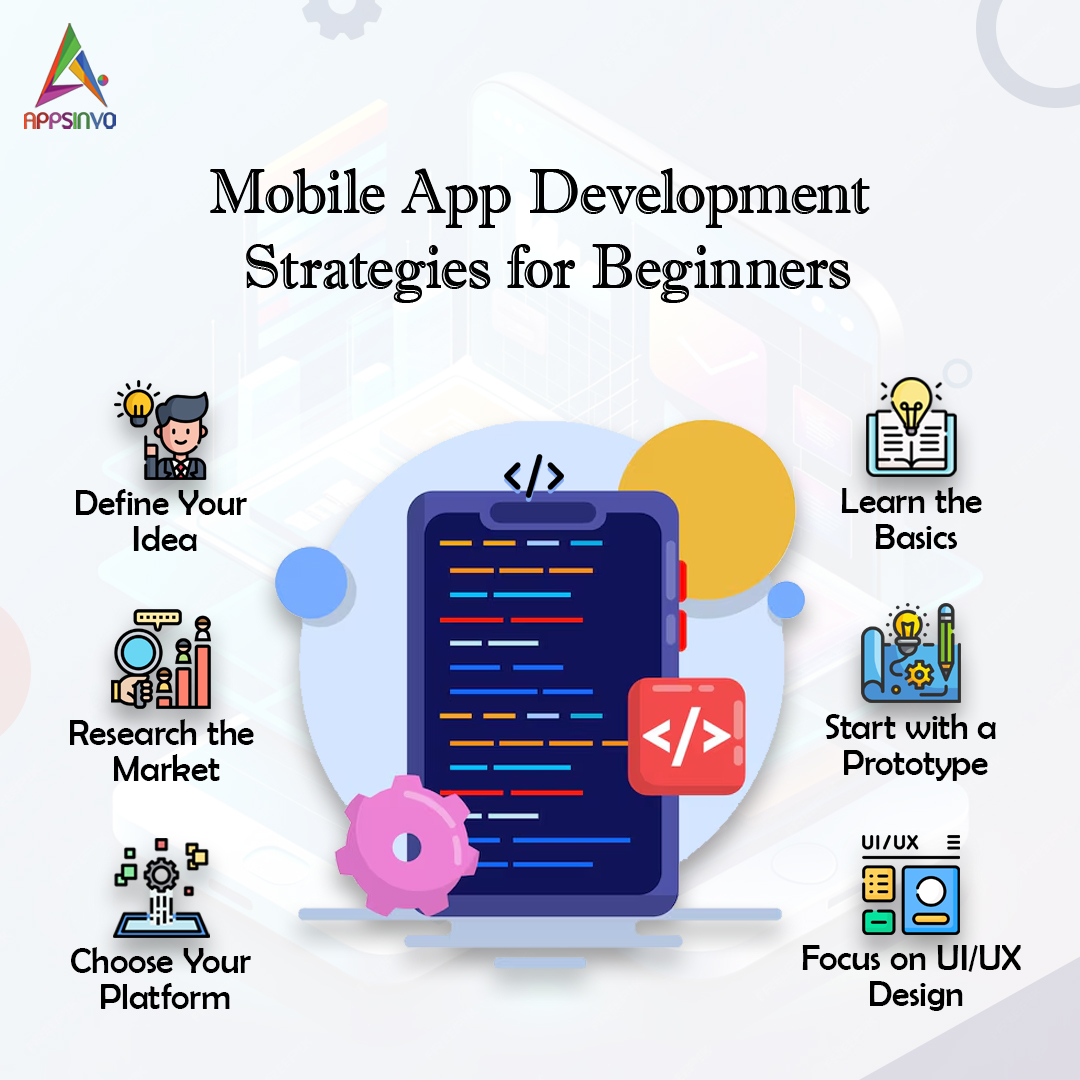
1) Start with a Clear Business Idea
Your app should begin with a business problem, not just a feature idea. Ask:
- What pain point will your app solve?
- Who experiences that pain most often?
- What outcome will your users get after using the app?
A clear idea also helps you decide whether you need custom mobile app development or a simpler MVP first.
Beginner tip: Write a one-sentence value proposition. If you can’t, the idea may still be too vague.
2) Research Your Target Audience
Next, research your target users like you’re preparing for real conversations. Use:
- Surveys and interviews
- Competitor reviews (what users complain about)
- Social media insights
- App store ratings and feedback
This step supports a smarter mobile app development process because you’ll design for real needs, not assumptions
3) Analyse competitors.
- Which features are most important to users?
- Where do the competitors fall short?
- How will you distinguish yourself (speed, UX, cost, specific emphasis, integrations)?
When you analyse rivals, you learn what customers anticipate from comparable applications, which helps you establish better app development best practices from the start.
4) Define Core Features First (MVP)
As a beginner, resist the urge to build everything. Instead:
- Identify your top 3–5 features
- Define what “success” looks like after the first release
- Keep the scope aligned with your MVP goal
An MVP helps you launch faster, test your assumptions, and reduce risk—making it one of the best mobile app development guide steps for new teams.
MVP examples:
- For a booking app: search, booking request, confirmation
- For a learning app: lessons, progress tracking, basic quiz
5) Choose the Right Platform
Many beginners ask whether to focus on Android or iOS first. Your decision should be based on:
- Your target market (where your users already are)
- Budget and timeline
- Whether you want one codebase or native performance
Options include:
- Android app development if your audience is strongly Android-based
- iOS app development if your audience skews toward iPhone users
- Cross-platform app development if you want faster iteration across both
Practical approach: Start where demand is strongest, then expand after validating the MVP.
6) Concentrate on User-Friendly UI/UX Design
- Simple onboarding
- Clear navigational patterns
- Consistent buttons, spacing, and typography
- Accessibility-focused design decisions
- UI clarity for important user flows (sign-up, search, payment, etc.)
7) Choose the Right Technology Stack.
- Flutter: excels at providing a uniform user experience across platforms and delivering MVPs quickly.
- React Native: Ideal for teams with web/JavaScript knowledge.
- Native (Android, iOS): Best for sophisticated platform-specific requirements.
8) Plan Your Budget and Timeline
A realistic plan prevents surprise delays and cost overruns. Create a timeline with stages such as:
- Discovery and requirements
- UI/UX design
- Development
- App testing
- Launch
- Feedback cycles and iterations
When discussing app development cost, remember that cost is not only coding—it includes design, QA, revisions, store approvals, analytics, security, and long-term app maintenance.
9) Prioritize Security from Day One
Security should not be an afterthought. Especially if your app handles:
- ser accounts
- Payments or subscriptions
- Personal data (health, location, contact info)
Begin with:
- Secure authentication
- Encryption for sensitive data
- Role-based access control (if needed)
- Secure API practices
This is part of building trust—an essential element of EEAT (Experience and Trustworthiness).
10) Optimize App Performance
Users expect fast apps. Poor performance increases churn. Performance optimization can include:
- Minimizing app startup time
- Efficient data loading and caching
- Reducing heavy assets
- Improving responsiveness and animations
Even early performance improvements can boost reviews and retention.
11) Test Your App Thoroughly
No one wants a broken release. App testing should cover:
- Functional testing (features work correctly)
- Usability testing (flows are understandable)
- Compatibility testing (devices and OS versions)
- Security testing (basic vulnerability checks)
- Performance testing (speed and stability)
A beginner-friendly mindset: treat QA as a product requirement, not an optional step.
12) Gather User Feedback
After you launch (or during beta), actively collect feedback using:
- In-app prompts
- App store reviews
- Analytics (crashes, drop-offs, retention)
- Surveys
Then iterate based on what users actually do—not just what they say.
Feedback loops directly improve app development lifecycle outcomes by making future versions smarter and more user-focused.
13) Publish on the Right App Stores
You’ll typically publish to:
- Google Play for Android
- Apple App Store for iOS
Store readiness includes:
- App store listing optimization (title, description, screenshots)
- Compliance checks
- App approval planning (process timing varies)
This is also where having a reliable mobile app development company helps—because it reduces last-minute errors.
14) Plan Marketing Before Launch
Even the best app needs visibility. Your app launch strategy can include:
- A landing page with clear value messaging
- Social proof (beta users, waitlists)
- Influencer or community outreach (if relevant)
- Content marketing around your problem and solution
- Basic SEO for the brand and product pages
Marketing doesn’t start after launch—it starts when you’re ready to validate your MVP message.
15) Maintain and Update Your App Regularly
The first release is not the end. Apps need continuous improvements:
- Bug fixes and performance enhancements
- UI/UX improvements based on user behavior
- Feature updates aligned with user demand
- OS compatibility updates as platforms evolve
Ongoing app maintenance is what protects your rating, retention, and long-term growth.
Common Mistakes Beginners Should Avoid
Avoiding mistakes early can save months. Here are the most common beginner pitfalls:
- Building too many features initially instead of starting with an MVP
- Ignoring user feedback and not iterating
- Poor UI/UX, making onboarding or navigation confusing
- Lack of testing, leading to crashes, slow performance, or app store rejection
- Choosing the wrong development partner, such as teams with unclear communication or weak process
- Underestimating maintenance costs, which are essential for security and compatibility
- No monetization strategy, even for apps that start free
If you want a practical mobile app development guide, use this list as your quality checklist.
Essential Tools for Beginners
Having the right tools makes the mobile app development process smoother. Here are popular options:
- Figma (mobile app design, prototypes, collaboration)
- Android Studio (Android development environment)
- Xcode (iOS development environment)
- Flutter (cross-platform app development)
- React Native (cross-platform app development)
- Firebase (auth, database, notifications, real-time features)
- GitHub (version control and collaboration)
- Jira (project tracking and agile workflows)
- Postman (API testing and debugging)
These tools support a modern, beginner-friendly workflow.
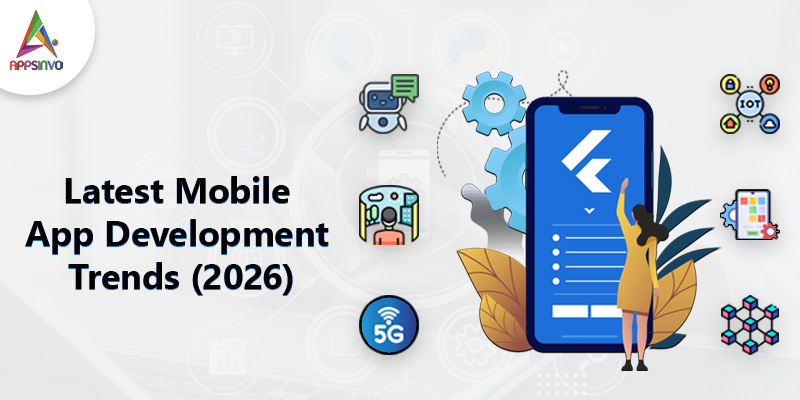
Latest Mobile App Development Trends (2026)
AI-powered experiences
- Artificial Intelligence (AI) for smarter recommendations and customer support
- Machine Learning for personalization and predictive features
- Generative AI for chat, content assistance, or dynamic responses (with careful safety design)
IoT integration
Apps connected to smart devices for monitoring, control, and automation.
Wearable apps
Fitness and health features built around watch data and sensors.
Blockchain (selective use)
Used where transparency, audit trails, or trust models make sense—not everywhere.
AR/VR enhancements
Immersive user journeys for shopping, training, and experiences.
Voice search
Hands-free navigation and faster discovery.
Cloud-based apps
Scalable backends that improve reliability and simplify updates.
Low-Code/No-Code development
Great for prototypes and simple apps, especially when validating demand quickly.
Why should you use Appsinvo for mobile app development?
Appsinvo offers:
- Android App Development
- iOS App Development
- Flutter Development
- React Native Development
- AI-powered App Development
- UI/UX Design
- MVP Development
- Enterprise App Development
- Startup App Solutions
- App Maintenance & Support
- Agile Development Process
- Experienced Developers
- Transparent Communication
- On-Time Delivery
- Scalable and Secure Solutions
Conclusion
Here are the essentials to remember:
- Start with a clear business idea and a user-first MVP
- Research your audience and learn from competitors
- Choose the right platform and build with the right technology stack
- Invest in UI/UX and plan app performance early
- Test thoroughly, gather feedback, and iterate
- Launch with a real app launch strategy
- Budget for long-term app maintenance and updates
FAQs
1) What is the best mobile app development strategy for beginners?
2) How much does it cost to build a mobile app?
3) Which platform should novices use: Android or iOS?
4) How long does mobile app development take?
3) Which platform should novices use: Android or iOS?
4) How long does mobile app development take?
5) Why should I pick a reputable mobile app development company like Appsinvo?