
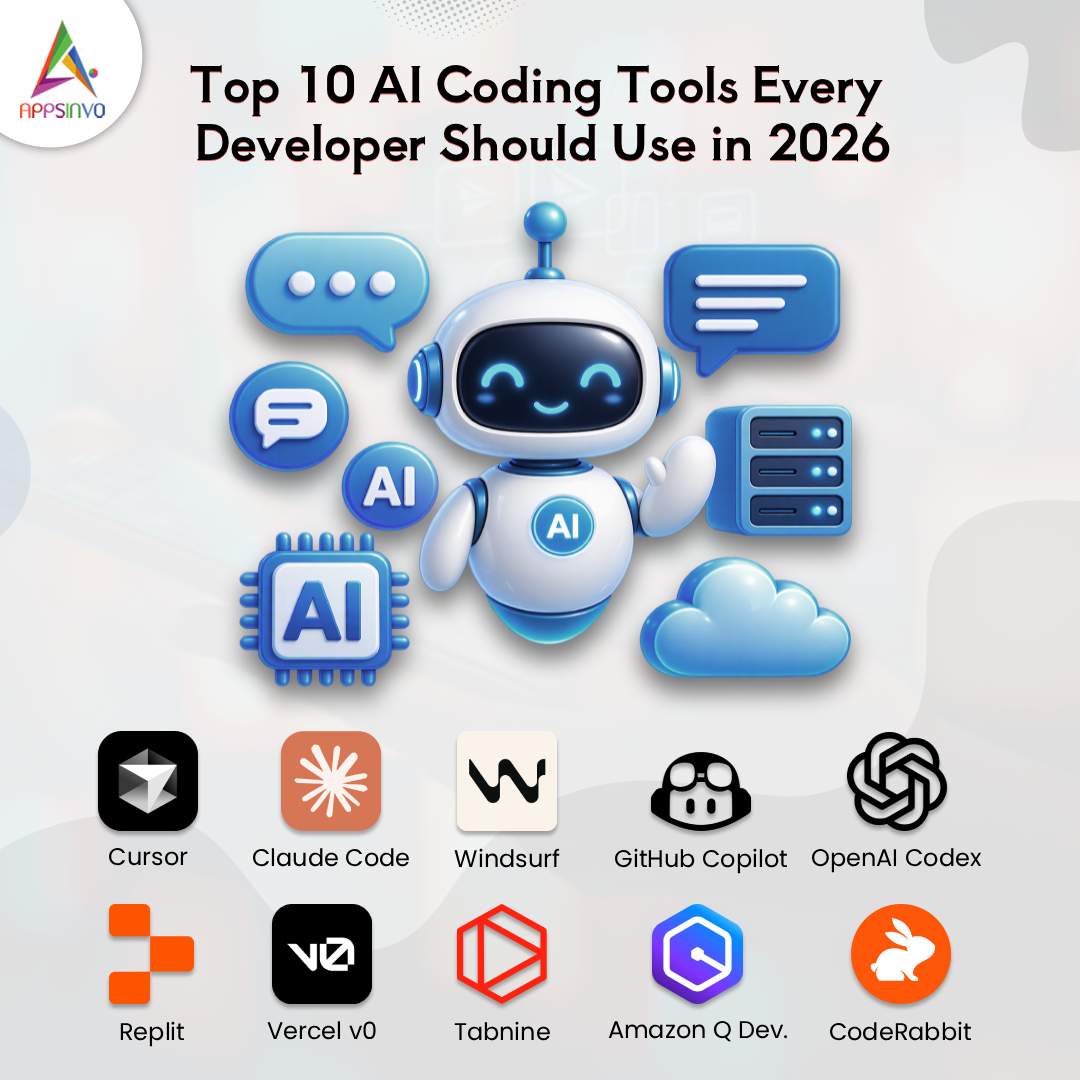
Software development has changed more in the last two years than in the previous ten. In 2026, AI coding tools are no longer a novelty. They sit inside the editor, the terminal, and the code review process, helping developers write code faster, catch bugs earlier, and automate repetitive work. Teams that use them well ship faster and spend more time on architecture and problem-solving instead of boilerplate.
In this guide, we look at the top 10 AI coding tools worth your attention, how to choose between them, and where AI-powered software development is heading.
Overview of the 10 Best AI Coding Tools (Comparison Table)
To give you a quick overview, here is a comparison of the top 10 AI developer tools we will be covering in this article. This table highlights the key strengths and features of each AI coding tool to help you find the best fit.
| Tool | Best For | Key Feature |
|---|---|---|
| Cursor | AI-native development | AI-first editor with codebase-wide context |
| Claude Code | Complex reasoning & CLI workflows | Terminal-first agent for multi-file tasks |
| Windsurf | Guided, agent-style building | Agentic IDE that plans and executes multi-step tasks |
| GitHub Copilot | General-purpose AI assistance | Code completion, chat & agent features |
| OpenAI Codex | Delegating well-defined tasks | Agent that writes code, runs tests & proposes changes |
| Replit | Rapid prototyping & web apps | Browser-based IDE with AI agent & built-in hosting |
| Vercel v0 | Front-end & UI generation | Text-to-React/Next.js components |
| Tabnine | Code privacy & enterprise | Private and on-premises deployment options |
| Amazon Q Developer | Teams building on AWS | Coding help, debugging, security scanning & modernization |
| CodeRabbit | Automated code reviews | AI pull request reviews & change summaries |
Top 10 AI Coding Tools Every Developer Should Use in 2026
Features and pricing change quickly, so always confirm current plans on each tool’s official website before subscribing.
1. Cursor
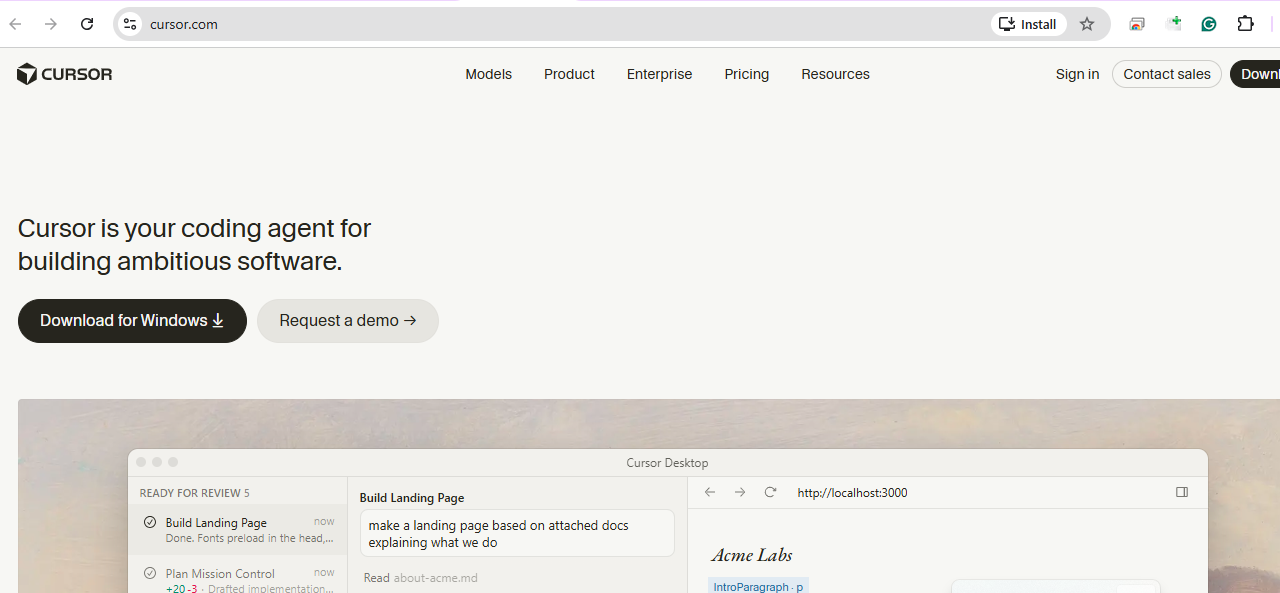
An AI-first code editor built on the familiar VS Code experience. It understands your whole codebase, so you can ask questions, refactor across files, and generate features through chat or inline edits. Best for: full-stack developers and teams who want deep project-wide context. Limitation: heavy usage may require a paid plan.
2. Claude Code
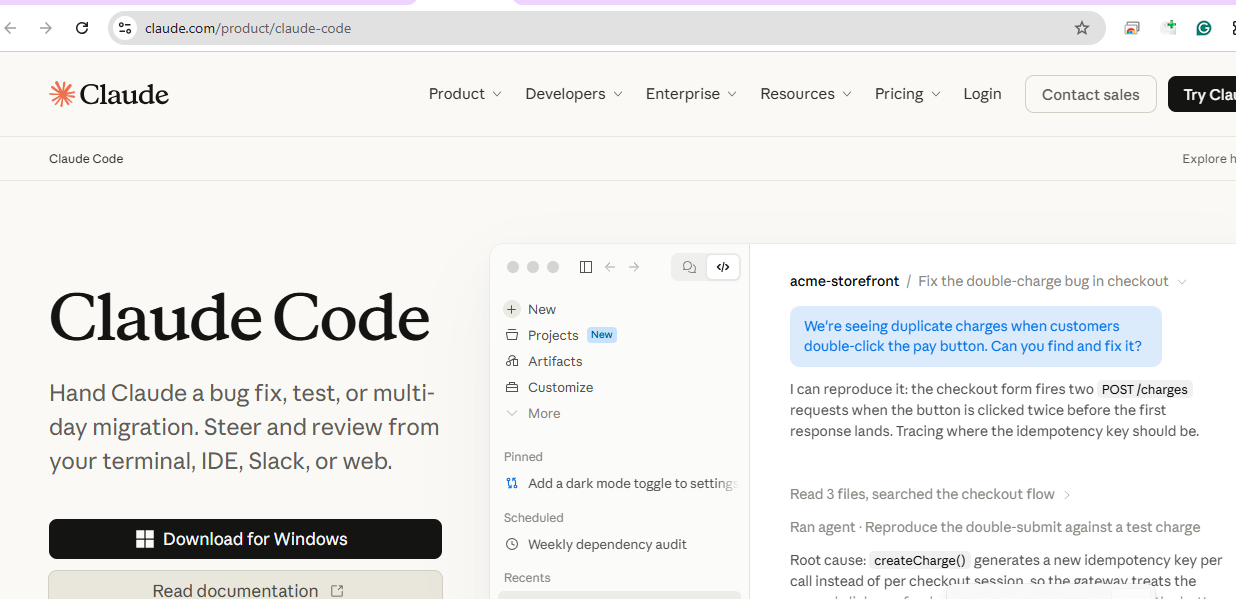
An agentic coding tool from Anthropic that works from the terminal and IDEs. Developers can delegate tasks such as fixing bugs, writing tests, or explaining unfamiliar repositories. Best for: experienced developers handling complex, multi-file tasks. Limitation: output should always be reviewed before merging.
3. Windsurf

An AI-powered IDE with agent-style workflows that plan and carry out multi-step coding tasks while keeping you in the loop. Best for: developers who like guided, conversational building. Limitation: a newer ecosystem with fewer community resources than older tools.
4. GitHub Copilot
One of the most widely adopted AI programming assistants, offering code completion, chat, and agent features inside popular IDEs and GitHub itself. Best for: teams already working in the GitHub ecosystem. Limitation: suggestions can be generic without clear context.
5. OpenAI Codex
OpenAI’s coding agent that can read repositories, write features, run tests, and propose changes for review. Best for: developers who want to delegate well-defined tasks. Limitation: results depend heavily on how clearly the task is described.
6. Replit
A browser-based development platform with an AI agent that can turn plain-language ideas into working apps, with built-in hosting. Best for: beginners, founders, and rapid prototyping. Limitation: less control than a fully local setup for large production systems.
7. Vercel v0

A generative UI tool that creates React and Next.js components from text prompts. Best for: front-end developers and designers who want quick interface drafts. Limitation: focused mainly on UI rather than complete backends.
8. Tabnine
An AI code assistant known for its privacy focus, with options for private and on-premises deployment. Best for: enterprises with strict security and compliance needs. Limitation: may feel less feature-rich than agent-first tools.
9. Amazon Q Developer
AWS’s AI assistant for coding, debugging, security scanning, and code modernization. Best for: teams building on AWS infrastructure. Limitation: most valuable inside the AWS ecosystem.
10. CodeRabbit
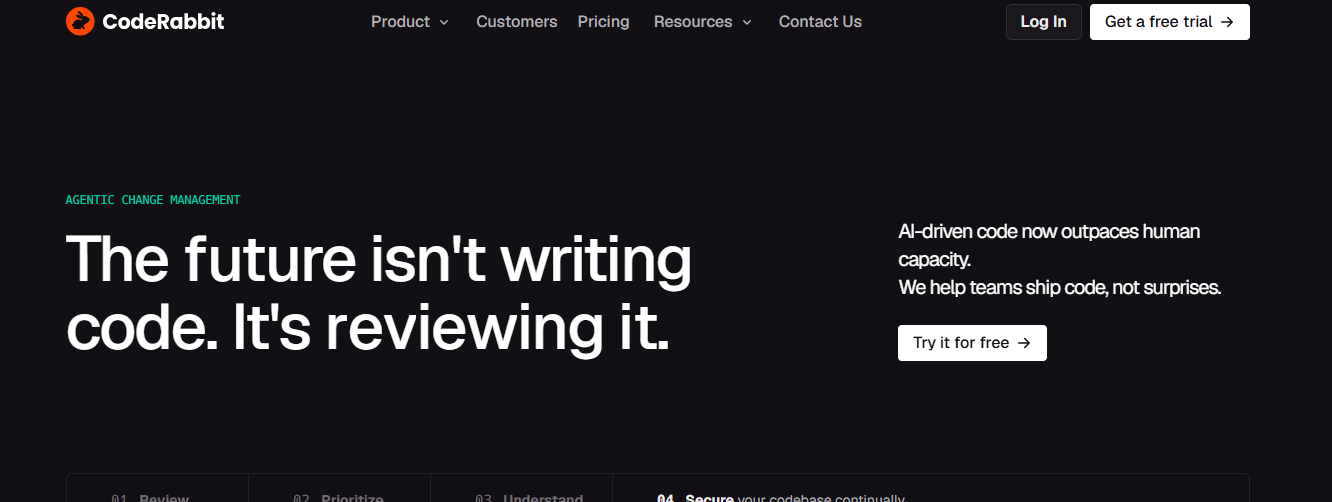
An AI code review tool that comments on pull requests, flags issues, and summarizes changes. Best for: teams that want faster, more consistent reviews. Limitation: it supports reviewers but should not replace human judgment.
Key Benefits of AI Coding Tools
- Faster code generation: boilerplate, tests, and documentation take minutes instead of hours.
- Automated debugging: AI helps trace errors and suggest fixes.
- Improved code quality: consistent suggestions and automated reviews reduce mistakes.
- Higher productivity: developers focus on logic and design.
- Reduced development time: shorter cycles mean quicker releases.
- Better collaboration: summaries and explanations help teams understand code faster.
How to Choose the Right AI Coding Tool
There is no single best tool for everyone. Consider these factors:
- Pricing: compare free tiers, team plans, and usage limits.
- Language and framework support: make sure your stack is well covered.
- IDE compatibility: pick a tool that fits your current workflow.
- Security and privacy: check how your code is stored and whether it is used for training.
- Scalability: the tool should work for both small projects and large codebases.
- Ease of use: a smooth learning curve helps the whole team adopt it.
A practical tip: run a two-week pilot with one or two tools on a real project before rolling out company-wide.
Are AI Coding Tools Replacing Human Developers?
No. AI is a powerful assistant, but it does not replace human creativity, product understanding, or critical thinking. It can write a function quickly, yet it cannot decide what a business truly needs, weigh trade-offs, or take responsibility for security and quality. Developers who learn to work with AI will have a clear advantage over those who do not.
Future of AI-Powered Software Development
Several trends are shaping the next phase:
- AI agents that plan, code, and test across multiple steps.
- Autonomous coding for well-defined tasks with human approval.
- Automated testing that generates and maintains test suites.
- AI-assisted app development that shortens the path from idea to prototype.
- Intelligent workflows connecting design, coding, review, and deployment.
How Appsinvo Helps Businesses Build AI-Powered Applications
AI tools speed up development, but great products still need experienced engineers, thoughtful design, and sound architecture. Appsinvo is a technology company that helps startups, entrepreneurs, and enterprises turn ideas into scalable, secure, and user-friendly digital solutions. Our services include:
- Custom AI Application Development
- Mobile App Development
- Web Application Development
- AI Integration Services
- UI/UX Design
- Software Development and Maintenance
Conclusion
AI coding tools have become an essential part of modern development in 2026. Used wisely, they boost productivity, improve quality, and shorten time to market. The key is choosing tools that match your stack and security needs, and pairing them with skilled human oversight. Businesses that adopt AI-powered development now will be better prepared for what comes next.
Looking to Build an AI-Powered Application for Your Business? Connect with Appsinvo’s Expert Development Team and Turn Your Ideas into Innovative Digital Solutions.
Frequently Asked Questions (FAQs)
1. What are the best AI coding tools in 2026? Popular choices include Cursor, Claude Code, Windsurf, GitHub Copilot, OpenAI Codex, Replit, Vercel v0, Tabnine, Amazon Q Developer, and CodeRabbit. The best one depends on your stack, budget, and workflow.
2. Which AI coding tool is best for beginners? Replit and GitHub Copilot are beginner-friendly thanks to simple setup and helpful suggestions. Cursor is also easy to start with.
3. Can AI coding tools generate complete applications? They can generate working prototypes and even full apps for simple use cases. Production-grade software still needs human review, testing, and security checks.
4. Is GitHub Copilot better than Cursor AI? Neither is universally better. Copilot integrates well with GitHub and multiple IDEs, while Cursor offers deep whole-project context in its own editor. Try both on your project.
5. Are AI coding tools free to use? Many offer free tiers or trials with limits, while advanced features need paid plans. Check each official pricing page for current details.
6. Will AI replace software developers in the future? Unlikely. AI will change how developers work, but human skills like design thinking, problem-solving, and accountability remain essential.
Explore More Mobile App Development Insights
Guides, comparisons and expert tips from the Appsinvo team, grouped by topic.
Cost & Choosing a Development Partner
Budget, pricing and how to pick the right team.
- How Much Does It Cost to Build an App in 2026?
- What Is the Cost of Designing a Mobile App?
- How to Choose the Right Mobile App Development Company
- 6 Benefits of Outsourcing to a Mobile App Development Company
- 10 Reasons to Invest in a Top Mobile App Development Company in India
- Top Features Every Leading Mobile App Development Company Offers
- Roles of Mobile App Consulting Services for Your Business App
- Mobile App Development Company Growth Strategies in India
- The Impact of Technology on Mobile App Development Companies in India
Getting Started & Strategy
Step-by-step guides from idea to App Store.
- What Are the Basics of Mobile App Development?
- Mobile App Development Strategies for Beginners
- How to Learn Mobile App Development (Beginner’s Guide)
- Building a Mobile App from Scratch
- 10 Essential Steps for Mobile App Development
- 5 Simple Steps to Create an Effective Mobile App Development Strategy
- Step-by-Step Guide to Developing a Successful Mobile App in 2026
- How to Succeed in Mobile App Development (Step-by-Step Guide)
- From Idea to App Store: A Complete Mobile App Development Journey
- Mobile App Development Lifecycle: From Planning to Deployment
- Mobile App vs Website: Which Should You Build First?
- The Ultimate Guide to Creating Innovative Mobile Applications
Platforms, Technology & Tools
Compare frameworks and pick the right stack.
- Android vs iOS: Which Platform Is Better for App Development?
- Android vs iOS App Development: Which Is Better for Your Business?
- Native vs Hybrid Apps: Which One Is Right for Your Business?
- Flutter vs. React Native: A Detailed Comparison for 2026
- Difference Between Kotlin and Flutter: A Complete Comparison
- Why Cross-Platform App Development Is a Smart Choice in 2026
- Stages of Cross-Platform Mobile App Development
- Choosing the Right Technology Stack for Your Mobile App
- Top 10 Mobile App Development Frameworks
- Top Mobile App Development Using Angular Frameworks
- Top 15+ Tools for Building a Mobile App
AI, Trends & Emerging Tech
What’s next for mobile apps in 2026 and beyond.
- The Future of Mobile App Development: Trends to Watch in 2026
- The Future of Mobile App Development Trends Shaping 2026 and Beyond
- Top Trends in Mobile App Development
- How AI Is Transforming the Future of Mobile App Development
- AI Integration in Mobile Apps: Opportunities and Challenges
- Integrating AI in Mobile Apps: Use Cases, SDKs, and Privacy Considerations
- The Future of Mobile Apps: AI and Machine Learning Integration
- Why IoT Is the Future of Mobile App Development?
- Benefits of Integrating IoT into the Mobile App Development Process
- Exploring the Future of Augmented Reality in Mobile App Development
- Cloud-Native App: The Future of Mobile App Development
- Progressive Web Apps: A New Trend of Mobile App Development
- On-Demand App Development: Why It’s Growing Rapidly in 2026
- Significance of DevOps in Mobile App Development
Performance, Compression & Testing
Make apps faster, lighter and more reliable.
- How to Optimize Your Mobile App for Performance and User Experience
- Boost App Speed with Smart Compression Methods in Mobile Development
- Mobile App Optimization: The Power of Data Compression Explained
- Image and Video Compression in Mobile Apps: A Complete Guide
- How to Reduce App Size Using Advanced Compression Techniques
- Best Compression Strategies for High-Performance Mobile Applications
- The Importance of App Testing: Ensuring Quality in Mobile Development
UI/UX, Features & App Store Success
Design choices that keep users coming back.
- Why User Experience (UX) Can Make or Break Your Mobile App
- How Does User Experience Impact Mobile App Development?
- Latest Top 10 UX/UI Tools Used for App Design
- Key Features Every Successful Business App Must Have
- E-commerce App Development: Must-Have Features and Tips
- What Are the Best Practices for Mobile App Development?
- What Are the Key Considerations for Mobile App Creation?
- The Complete Guide to Google Play App Store Optimization for Android Apps
Business Growth & Marketing
Turn your app into a growth engine.
- Why Mobile App Development Is Essential for Business Growth in the Digital Age
- How Can Mobile App Development Benefit Your Business?
- How Custom Mobile App Development Can Boost Your Business Growth
- The Benefits of Custom Software Development for Small Businesses
- How to Win Clients and Boost Sales with Mobile App Development
- 3 Ways Social Media Can Impact Your Mobile App Business
- How to Make Your Mobile App Stand Out in Just 5 Days
- Factors That Affect the Success of Web & Mobile App Development
- Challenges of Enterprise Mobile App Development
- 3 Easy Ways to Speed Up Healthcare App Development
Tips & Common Mistakes
Quick wins and pitfalls to avoid
- 15 Proven Tips for Mobile App Development Success
- 5 Things You Should Do Immediately for Mobile App Success
- 5 Easy Ways to Turn Your Mobile App Idea into Success
- 3 Effective Ways to Accelerate Mobile App Development
- 4 Ways to Boost Creativity in Mobile App Development
- Top Techniques to Build and Develop the Best Mobile App for Business
- Important Points to Follow for Mobile App Development
- Points You Must Consider While Mobile App Development
- 5 Common Mistakes That Make Mobile App Development a Waste of Time
- Common Mistakes to Avoid in Mobile App Development
- Worst Mobile App Development Mistakes to Avoid
- What Is the Future of Mobile App Development?
Planning an app that users love? Talk to our UI/UX and development experts for a free consultation.